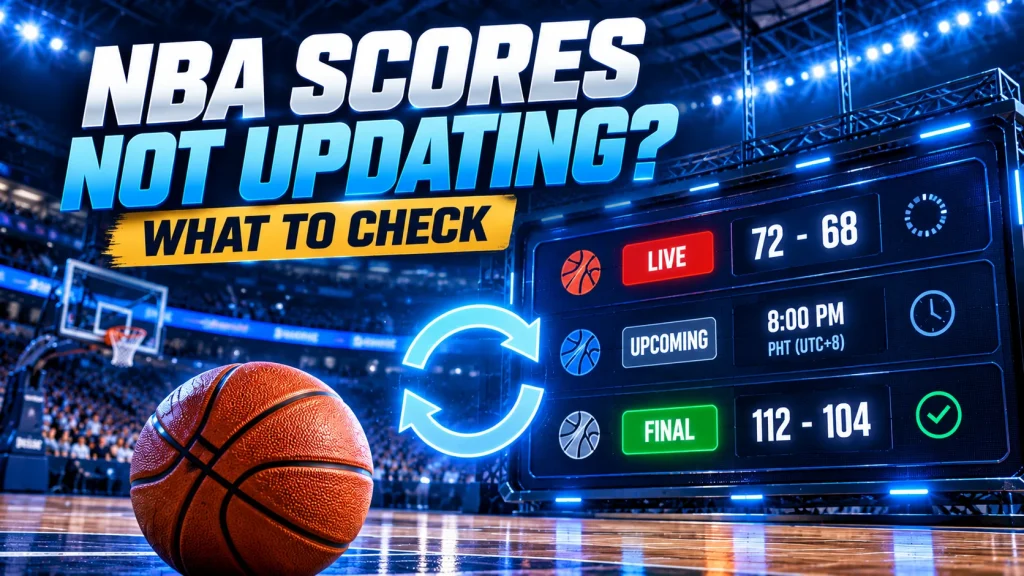
The NBA game is already underway, but the score on your screen hasn’t changed. Or perhaps a match is marked LIVE on ArenaLive, yet the scoreboard still shows no points.
Does that mean something is wrong?
Not necessarily.
NBA score updates depend on several factors, including the match’s official status, available sports data, your internet connection and how recently the page was loaded.
At ArenaLive, we display confirmed basketball scores and match information in Philippine Time (PHT, UTC+8). We don’t estimate missing points or create results when verified data is unavailable.
If your NBA scores aren’t updating, here’s what to check before assuming there’s a problem with the website.
1. Check Whether the NBA Game Has Started
First, confirm that the game is actually in progress.
Open the ArenaLive NBA scores page and find the matchup you’re following.
Look at its current status.
UPCOMING means the game is scheduled but hasn’t been confirmed as started.
LIVE indicates that the sports data source has reported the game as underway.
FINAL means the game has been reported as completed.
If the matchup is still marked UPCOMING, there may be nothing wrong with the missing score. Basketball scores are normally unavailable before the game begins.
A scheduled tip-off time doesn’t automatically confirm that play has started.
Games can also be delayed or rescheduled, so always check the latest available match status.
2. Make Sure You’re Checking the Correct Philippine Date
NBA schedules can be confusing for viewers in the Philippines.
Most NBA games take place in the United States, where local dates and times differ significantly from Philippine Time.
For example, a game scheduled for Monday evening in the United States may begin on Tuesday morning in the Philippines.
If you’re checking Monday’s Philippine schedule, you might not find the matchup you’re expecting.
ArenaLive displays match times in PHT (UTC+8).
When looking for a game, check the Philippine calendar date shown on the schedule.
If the match isn’t where you expected, review the adjacent dates.
This is especially useful when following early-morning NBA games.
3. Refresh the NBA Score Page
If the game is already LIVE but the displayed numbers haven’t changed, try refreshing the page.
On a desktop browser, you can use the browser’s Refresh button.
On most Windows browsers, Ctrl + R also reloads the current page.
On mobile, use your browser’s refresh option.
After reloading, check whether the score or match status has changed.
A refresh requests the page again, but it doesn’t guarantee that new basketball data is already available.
If the sports data source hasn’t delivered another confirmed update, you may still see the same score.
There is no need to refresh continuously.
Give the information time to update before checking again.
4. Open the Individual NBA Match Details
Sometimes the fastest way to investigate a score is to open the specific game page.
Instead of relying only on the main scoreboard, select the matchup you’re following.
An ArenaLive match details page may include:
- The two participating teams.
- The competition and scheduled game time.
- The current match status.
- Available scores or confirmed final results.
- Additional match information when supported.
Compare the information on the game page with the main NBA listing.
If both show the same score, the latest confirmed update may not yet be available.
If they show different information, reload both pages and check again.
Remember to confirm the team names and match date. Opening a previous meeting between the same teams can make it appear that the scoreboard is incorrect.
5. Check Your Internet Connection
Not every scoreboard problem comes from the sports data.
A slow or interrupted connection can prevent your browser from loading the latest page information.
If ArenaLive appears unresponsive, try these checks:
Switch between Wi-Fi and mobile data.
If you have another connection available, see whether the page loads normally there.
Open another website.
This helps determine whether your connection is experiencing a broader problem.
Close and reopen the browser tab.
A fresh page load may help if the previous tab stopped responding.
Try another browser.
If the problem happens only in one browser, it may be related to that browser’s settings, extensions or stored website data.
These steps can help with local loading problems.
However, they cannot create new score information when the underlying sports data hasn’t been updated.
6. Check Whether Your Browser Is Showing Older Information
Browsers sometimes reuse stored website resources to improve loading speed.
In certain situations, older cached content can contribute to a page appearing out of date.
If the score looks unchanged after a normal refresh, try opening ArenaLive in a private or incognito browser window.
Then locate the same NBA game.
If the information differs between the two windows, stored browser data or an extension may be contributing to the problem.
You can also try another device.
Keep in mind that website caching is only one possible explanation.
A scoreboard that hasn’t changed doesn’t automatically prove there’s a cache problem.
Avoid repeatedly clearing all your browser data unless you have a specific reason, as this may sign you out of other websites.
7. Understand Why LIVE Scores Can Be Delayed
A basketball game can continue for several possessions before a particular data feed reflects the latest confirmed score.
The timing of updates depends on the event, the sports data provider and the information available for that competition.
There can also be a difference between receiving a match status update and receiving a verified numerical score.
For example, a game might be reported as LIVE while its latest point totals are still unavailable.
This doesn’t necessarily mean that the match has stopped.
It means the currently available information may be incomplete.
At ArenaLive, our priority is to display confirmed match data.
We don’t add estimated baskets to make the numbers appear more recent.
LIVE score coverage is not guaranteed to be instantaneous or possession-by-possession.
If the game is underway, check the match details again later for newly available information.
8. What If the NBA Game Has Finished but the Score Is Missing?
A completed game normally has a final result.
However, the reported match status and verified final score may become available at different times.
If a game is marked FINAL without a confirmed score, try the following:
First, check that you’re viewing the correct fixture and Philippine date.
Next, reload the match details page.
Then check the relevant completed-game listing to see whether the result is available there.
If the match was recently completed, the final information may still be awaiting a confirmed update.
ArenaLive doesn’t assign a final score unless the required data is available.
We also avoid treating a scheduled or interrupted matchup as completed without confirmation.
If the missing result continues to appear incorrect, you can report it to our team.
9. Why Does the LIVE Video Work but the Score Isn’t Updating?
Video playback and basketball score updates are separate services.
An authorised video provider may deliver footage of a match while the sports data source supplying the scoreboard follows a different update process.
As a result, video playback and the displayed score don’t necessarily change at the same moment.
Similarly, a LIVE match status doesn’t guarantee that a video stream is available.
ArenaLive only presents eligible viewing options when the required video source and permissions have been verified.
If you’re following the match through score updates, use the match status and confirmed numerical information rather than assuming that video availability determines the score’s accuracy.
10. How to Report an Incorrect NBA Score
If you’ve checked the match date, refreshed the page and confirmed that the information still appears incorrect, you can contact ArenaLive.
Visit our Contact ArenaLive page and choose the appropriate match data correction category.
For a useful report, include:
- The names of both NBA teams.
- The game date in Philippine Time.
- The ArenaLive match page URL.
- The score or status displayed on our website.
- A short explanation of the information that appears incorrect.
If you have a reliable source showing different information, you can include its link.
For example, explain whether the game is marked LIVE after completion or whether a confirmed final result is missing.
Specific information helps our team identify the exact fixture.
Please don’t include your account password or verification codes in a support request.
Quick Troubleshooting Guide
Here is a simple way to decide what to check first.
| What You See | Possible Explanation | What to Check |
|---|---|---|
| Game says UPCOMING | The game hasn’t started | Scheduled PHT tip-off |
| LIVE with no score | Score data not yet confirmed | Match details |
| LIVE score unchanged | Data update may be delayed | Refresh later |
| Wrong game date | US/PHT date difference | Philippine calendar date |
| Page won’t load | Connection or browser issue | Network and browser |
| FINAL without result | Final score not yet available | Completed-game details |
| Different scores on pages | Updates may not be synchronised | Reload and compare |
These are possible explanations, not a diagnosis of a particular game.
If you need a basic introduction to reading match listings, our ArenaLive Match Scores guide explains how to follow basketball fixtures and understand the available information.
Frequently Asked Questions
Why are my NBA live scores not updating on ArenaLive?
The game may not have started, the latest confirmed score may be delayed, or your browser may be displaying older information. Check the match status, Philippine date and individual game details before refreshing again.
Does ArenaLive update NBA scores automatically?
We receive match information through supported sports data sources. The availability and timing of updates depend on those sources. You can reload the page to request the latest available information, but we cannot guarantee an update after every basket.
Why is an NBA game marked LIVE without a score?
The data source may have confirmed that the game is underway without providing the latest verified point totals. We don’t estimate missing scores.
What should I do if the final NBA score is incorrect?
Check the correct matchup and date first. If the information still appears incorrect, use our contact page to report the match details and provide a reliable reference when available.
Can a slow internet connection affect ArenaLive scores?
Yes. Connection problems may interrupt page loading or prevent you from retrieving updated information. Try refreshing the page, switching networks or using another browser.
Follow NBA Scores with Confidence
When NBA scores aren’t updating, the best first step is to identify whether you’re dealing with a scheduled game, delayed match data or a local browser problem.
Check the Philippine game date, confirm the status, open the individual match details and refresh when necessary.
If confirmed information is unavailable, the score may remain unchanged until another update is received.
At ArenaLive, we aim to make basketball information useful and reliable for fans in the Philippines.
You can always return to our match listings to check available NBA fixtures, scores and completed results in Philippine Time.